
Prices, requests and quotes.
Customers choose a service and add a description and photos. You review the context, enter the price, and they decide at their own link.
You set the price.
Your price list can show a fixed price, a range or a price-on-request label. You enter the final amount after reviewing the request.
-
Customer context
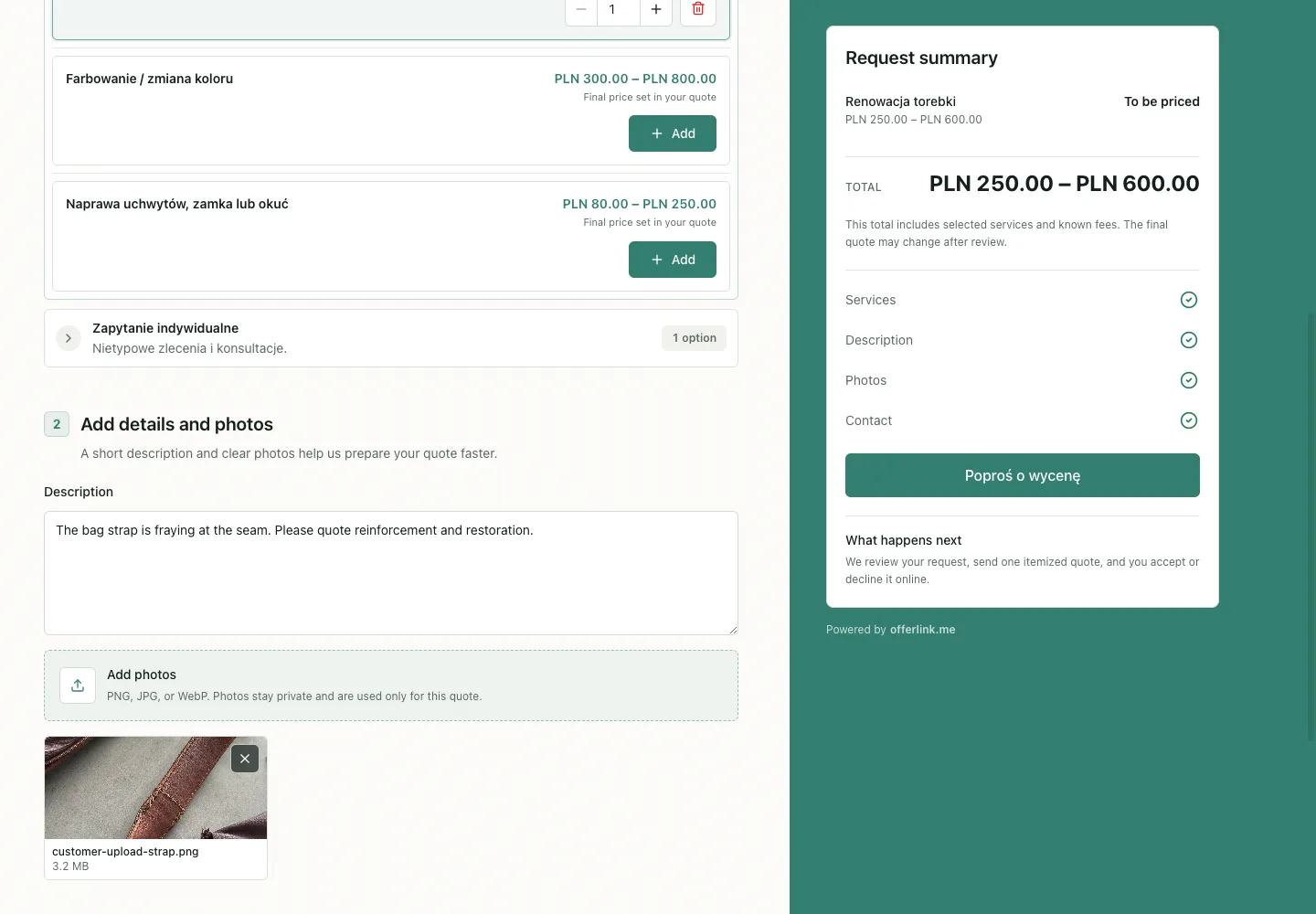
A service, description and photo
The customer shows the problem beside the service. You do not have to rebuild it from another message.
-
Your quote
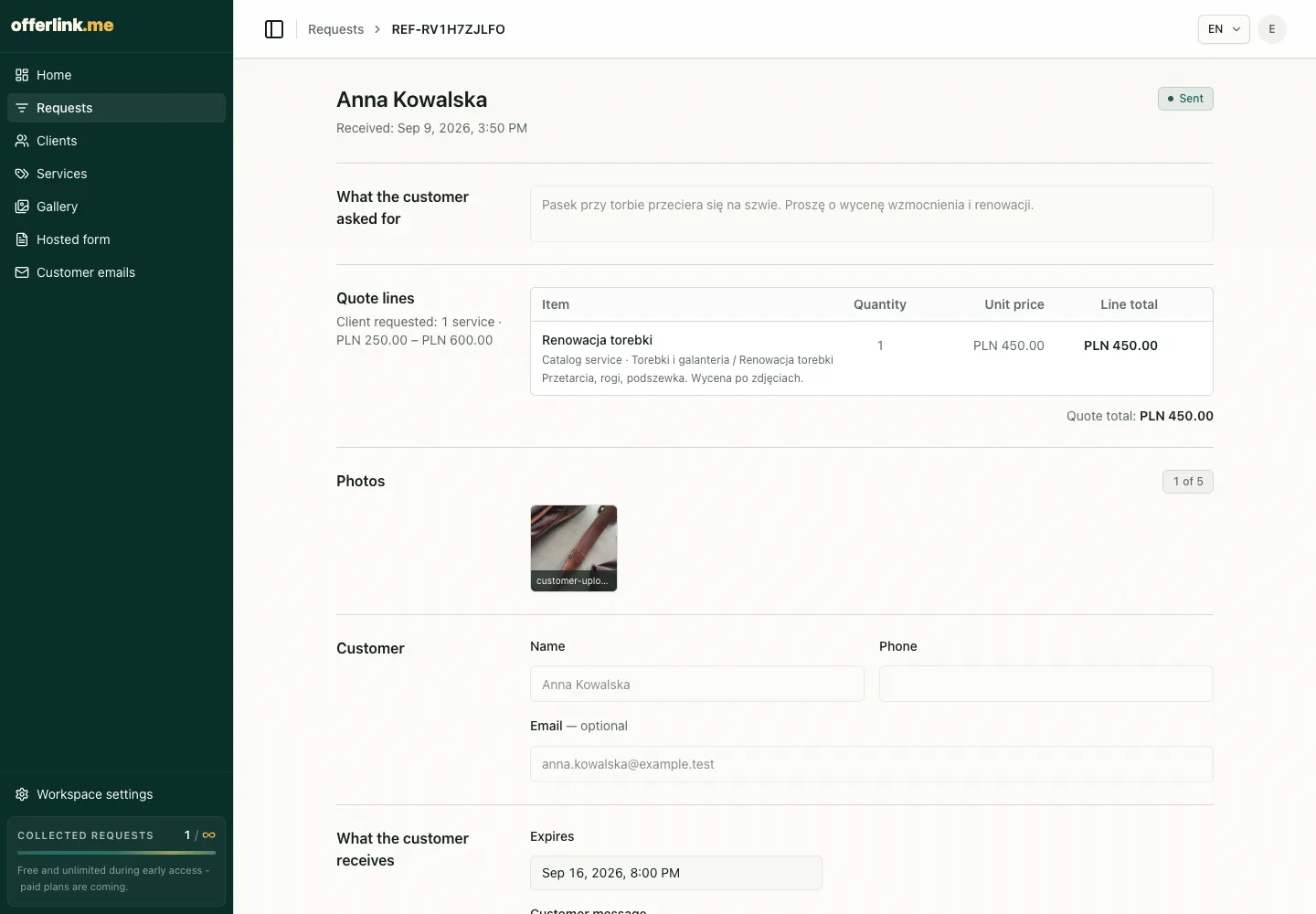
Enter the price after review
The request keeps the description, photo and scope together. Only then do you enter PLN 450.00.
-
Customer decision
The amount, validity and two choices
The customer opens the quote without an account, checks the total and validity, then accepts or declines.
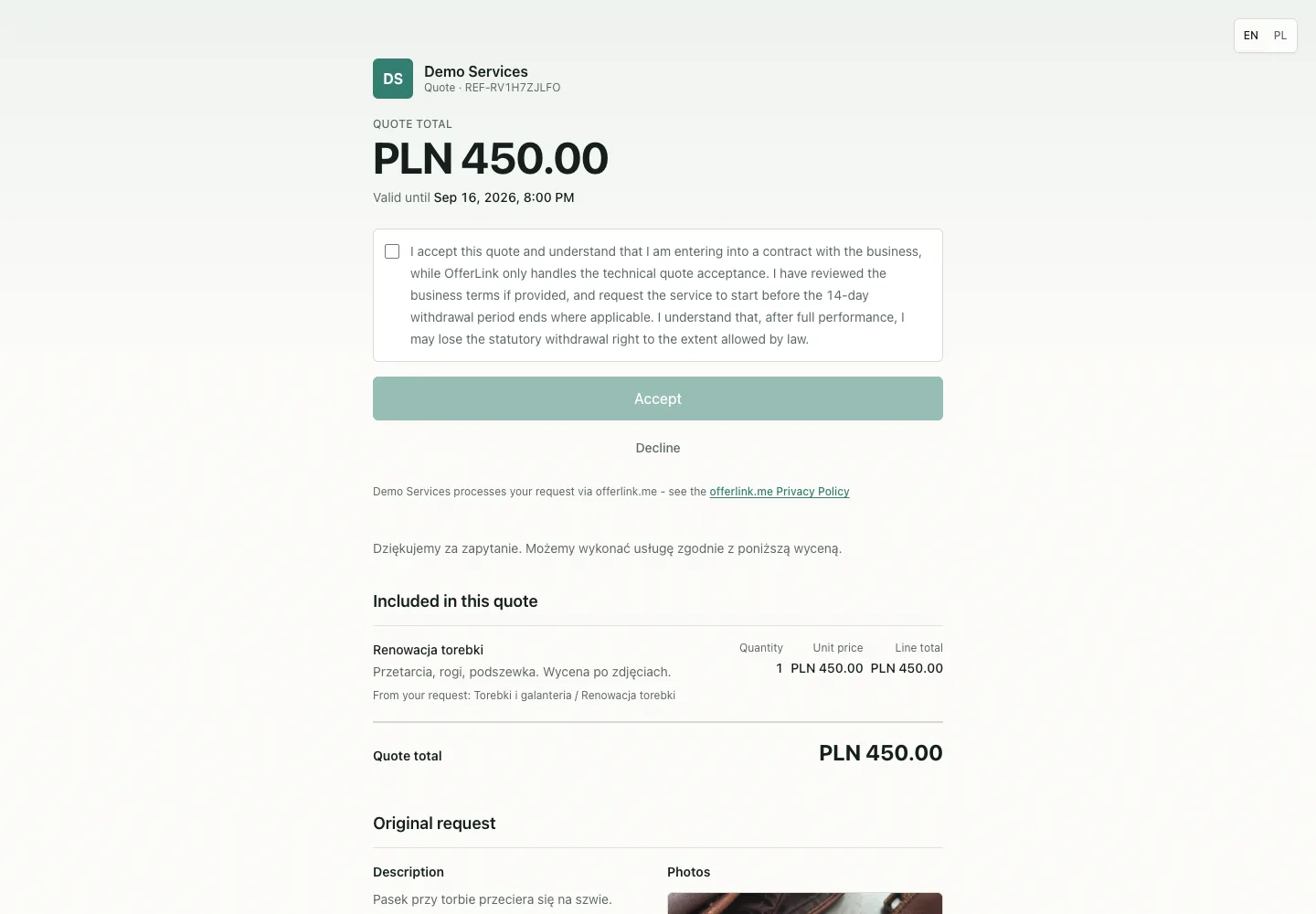


This fictional local example shows the path from request to decision. Offerlink never chooses the price for the owner.
-
Fixed price
PLN 80.00
Work you do the same way every time. The price shows immediately.
-
Range
PLN 250.00 – PLN 600.00
Final price confirmed in the quote
The range you know from experience. You confirm it after the photos.
-
No price up front
Price on request
Unusual jobs that cannot honestly be priced in advance.
-
A question attached to the service
Attach a question with ready answers, such as material, colour or model. The answer travels with the request.
-
Private work context
The description, photos and contact stay together in one request. Only work you publish to the gallery becomes public.
Put your workshop online today.
app.offerlink.me/t/your-name/request
Create your account, add services and prices, then send your link to a customer.
Create your account